Convert JPG to PNG Format with Ease – High-Quality Image Conversion
Our tool helps you quickly convert JPG to PNG format. Upload your file, hit convert, and receive a clean, high-quality PNG in seconds—no extras, no distractions, just fast and reliable conversion.
Drag and drop an image or
File must be JPEG, JPG or WebP and up to 40MB
By uploading your image or video, you agree to the Adobe Terms of Service and Privacy Policy
How You Can Convert JPG to PNG Format
With these three simple steps, you can easily convert JPG to PNG format:
1.Select Your JPG File
Click “Upload your file” to select the JPG image you want to convert.
2.Start Conversion
Press the “Convert to PNG” button to begin the format conversion.
3.Download Your PNG File
Once the status shows “Done,” click “Download PNG” to save your converted image.
The Best Tool to Convert JPG to PNG Format
Looking for a fast and reliable way to convert JPG to PNG format? Our online tool makes it simple. Upload your JPG image and get a high-quality PNG file in seconds. PNGs support transparency, smoother edges, and lossless quality, making them perfect for digital projects, websites, or print materials.
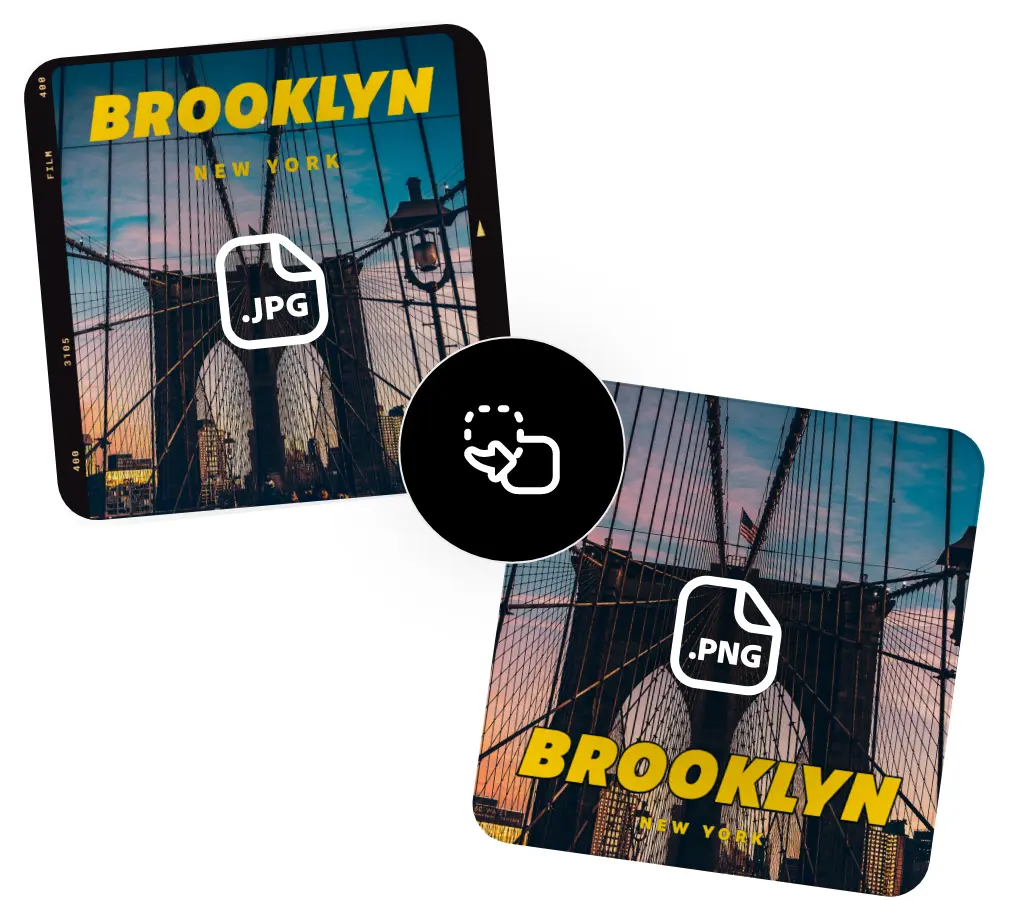
Instant Download and Share
After you convert JPG to PNG format, your PNG file is ready to download immediately. Use it in presentations, social media, or any digital and printed platforms. Our tool saves time and ensures effortless sharing.

Simple and Focused
Our website is dedicated solely to helping you convert JPG to PNG format, with no distractions or unnecessary features—just fast, accurate conversion. Upload your JPG file today and experience seamless PNG results.
Easily Convert JPG to PNG Format for Free
Say goodbye to complex software—our site allows you to easily convert JPG to PNG format for free. Whether you're on mobile or desktop, you can transform your JPG into a high-quality PNG with just a click.
Simple Drag-and-Drop Conversion
Drag and drop your JPG image to quickly convert JPG to PNG format. Once completed, download your PNG instantly.
High-Quality PNGs Without Compromise
When you convert JPG to PNG format, your image maintains clarity, colors, and details. Every PNG file is crisp and professional.
Ready to Use and Share
Your converted PNG is ready for websites, presentations, and any digital or printed project. Our site focuses purely on helping you convert JPG to PNG format—simple, fast, and hassle-free.
Frequently asked questions
What is a PNG File?
A PNG (Portable Network Graphics) file is a widely used image format ideal for high-quality graphics and transparency. When you convert JPG to PNG format, your image gains improved clarity and flexibility.
What Does PNG Stand For?
PNG stands for Portable Network Graphics. Converting JPG to PNG format ensures that your images display clearly across devices and operating systems.
What Are PNG Files Best For?
PNG files are great for logos, icons, graphics, and images requiring transparency. By choosing to convert JPG to PNG format, you make your visuals more adaptable for design or web use.